Place the figure
Six mannequins, from child to adult. Pull an arm or a leg and the pose falls into place: the app works out how the other joints turn.
Place a figure in the frame, pick or adjust the pose, choose the camera angle and the shot is ready. Add shots to the timeline to build a full video. Print the storyboard and take it to set. It has never been this easy.

Words aren't enoughWhile the scene lives only in the director's head, the DP, the production designer and the client are each picturing a different film.
An artist costs money and timeA storyboard artist costs both, and every round of notes turns into another round of approvals.
A new angle means starting overIn a drawn storyboard you can't move the camera. A different angle means a whole new drawing.
Instead of drawing, you get a scene you can rebuild at any time: move an actor, change the lens, adjust the light.
Six mannequins, from child to adult. Pull an arm or a leg and the pose falls into place: the app works out how the other joints turn.
Use real focal lengths to find your angles. Put several virtual cameras in a scene and switch between them as you go.
Boards line up in a strip, each with a duration you set. Play the film back to see what drags and where a shot is missing.
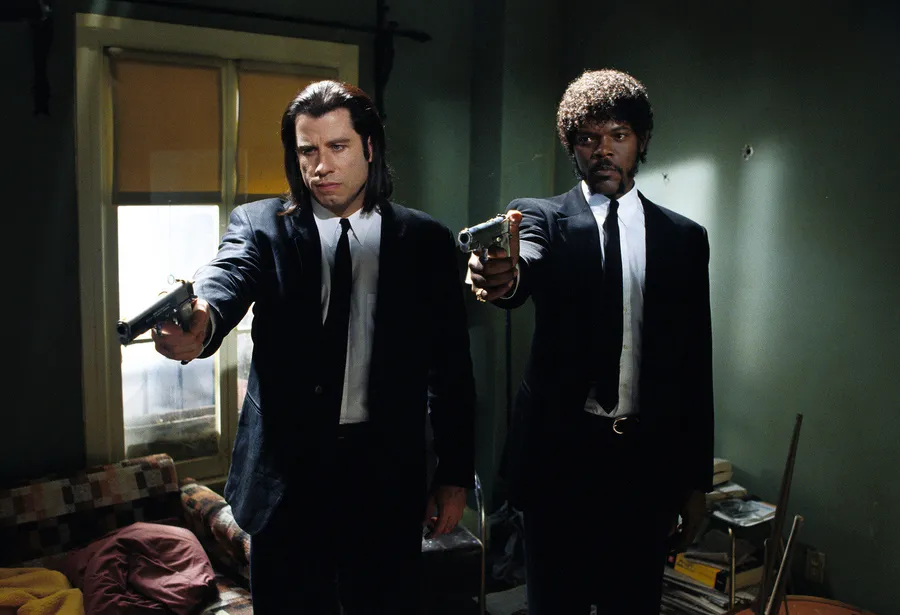
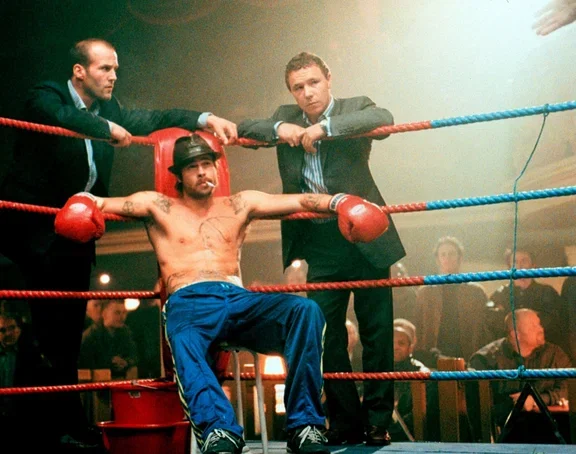
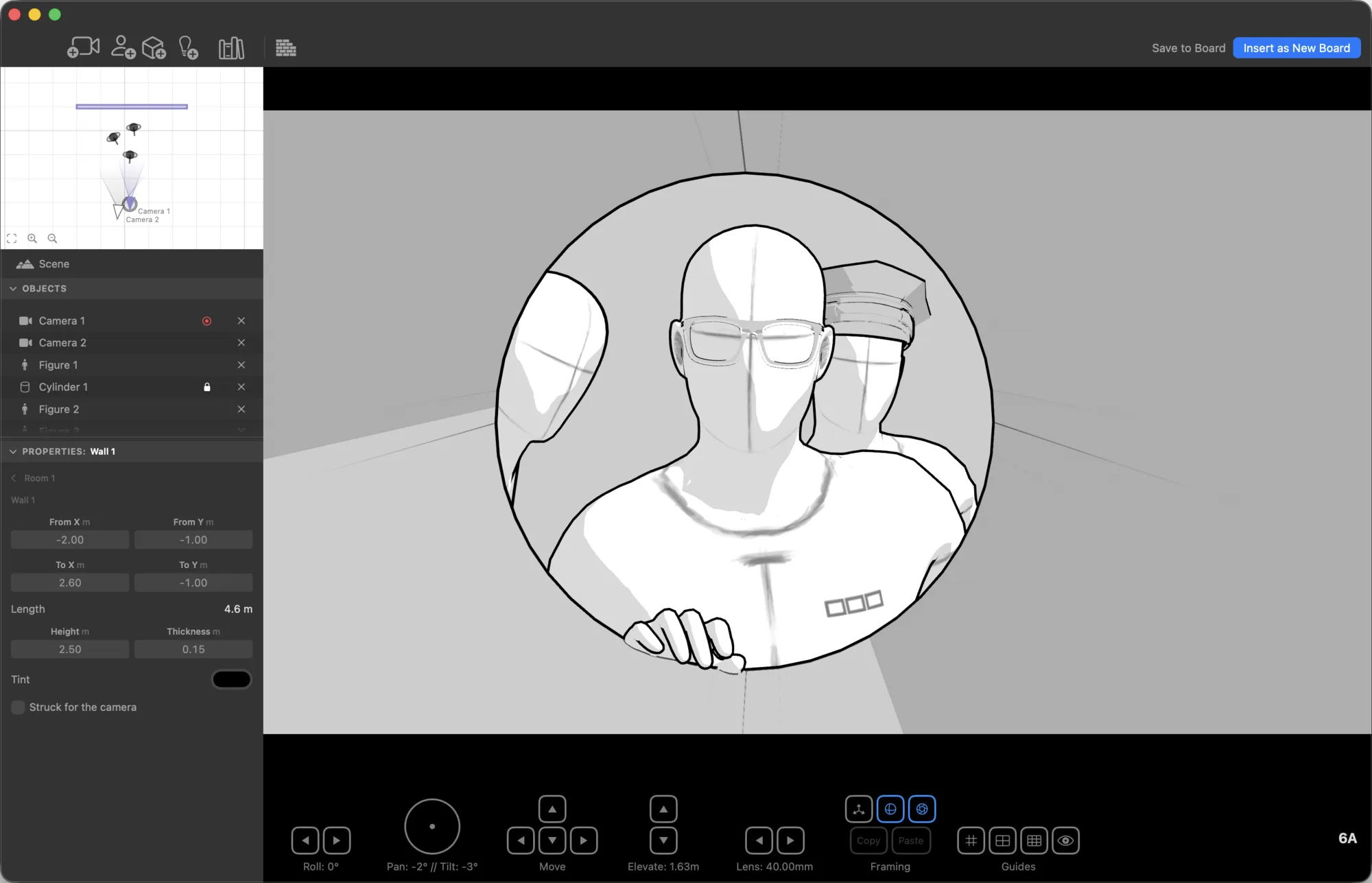
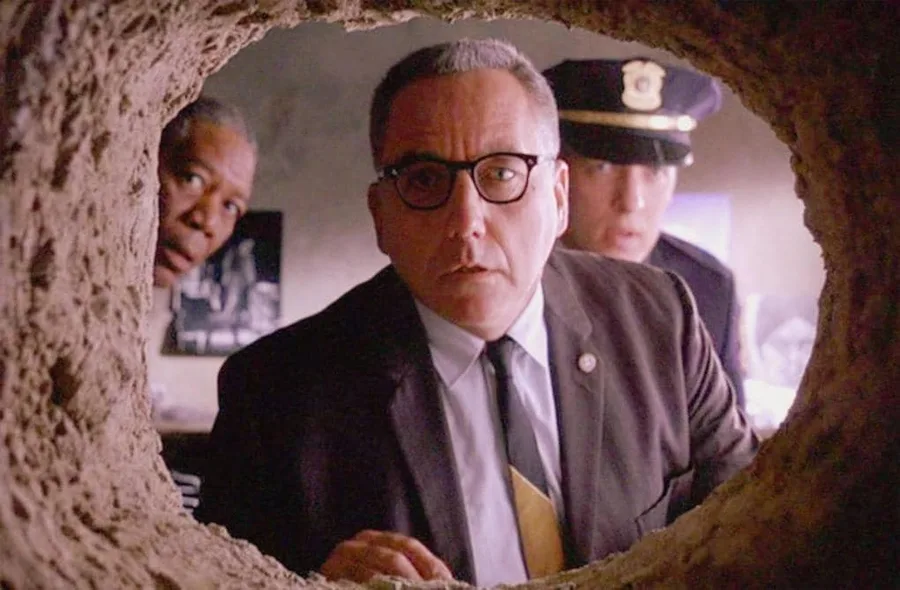
Rebuilt in StoryB in a matter of minutes.
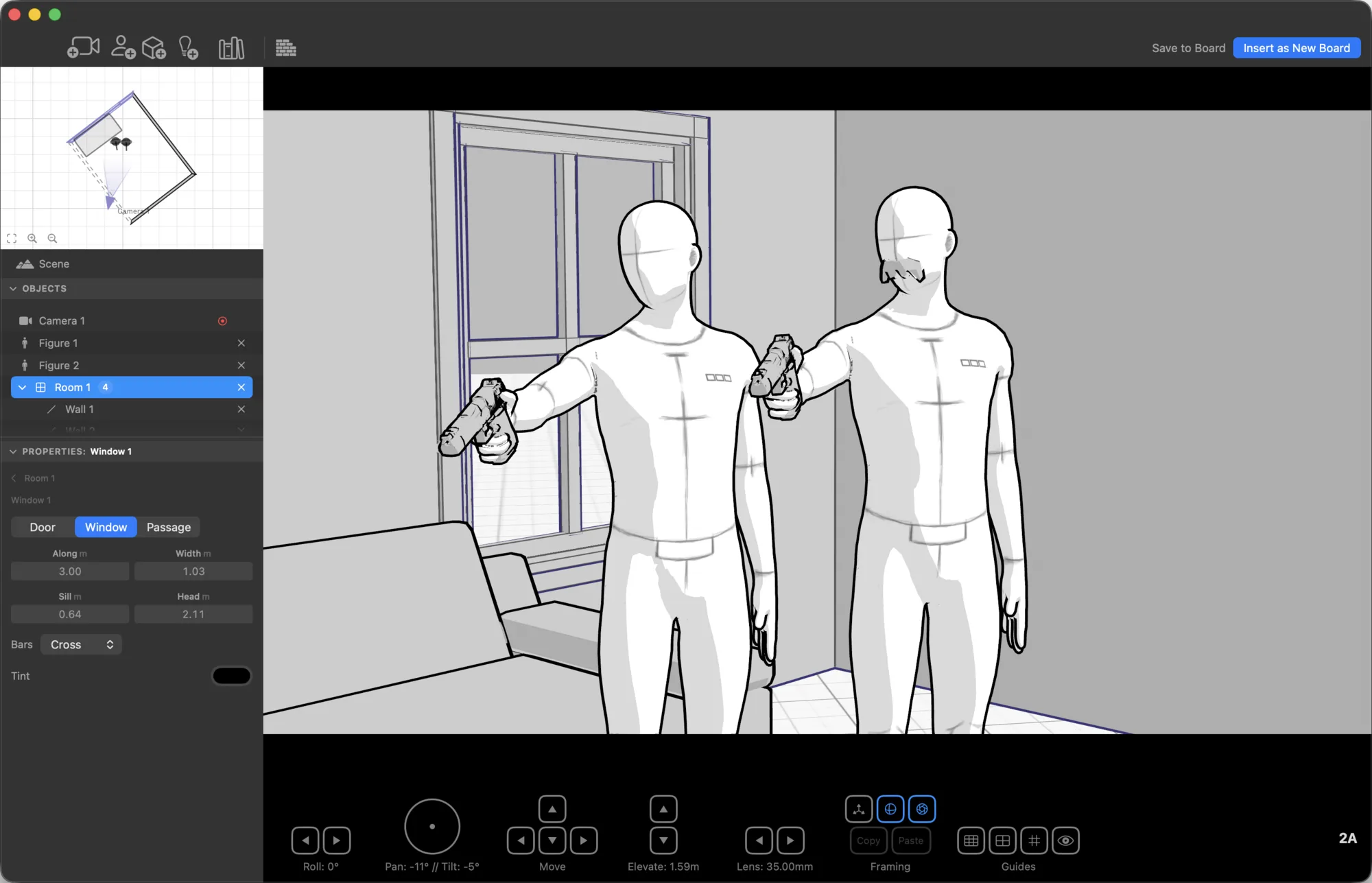
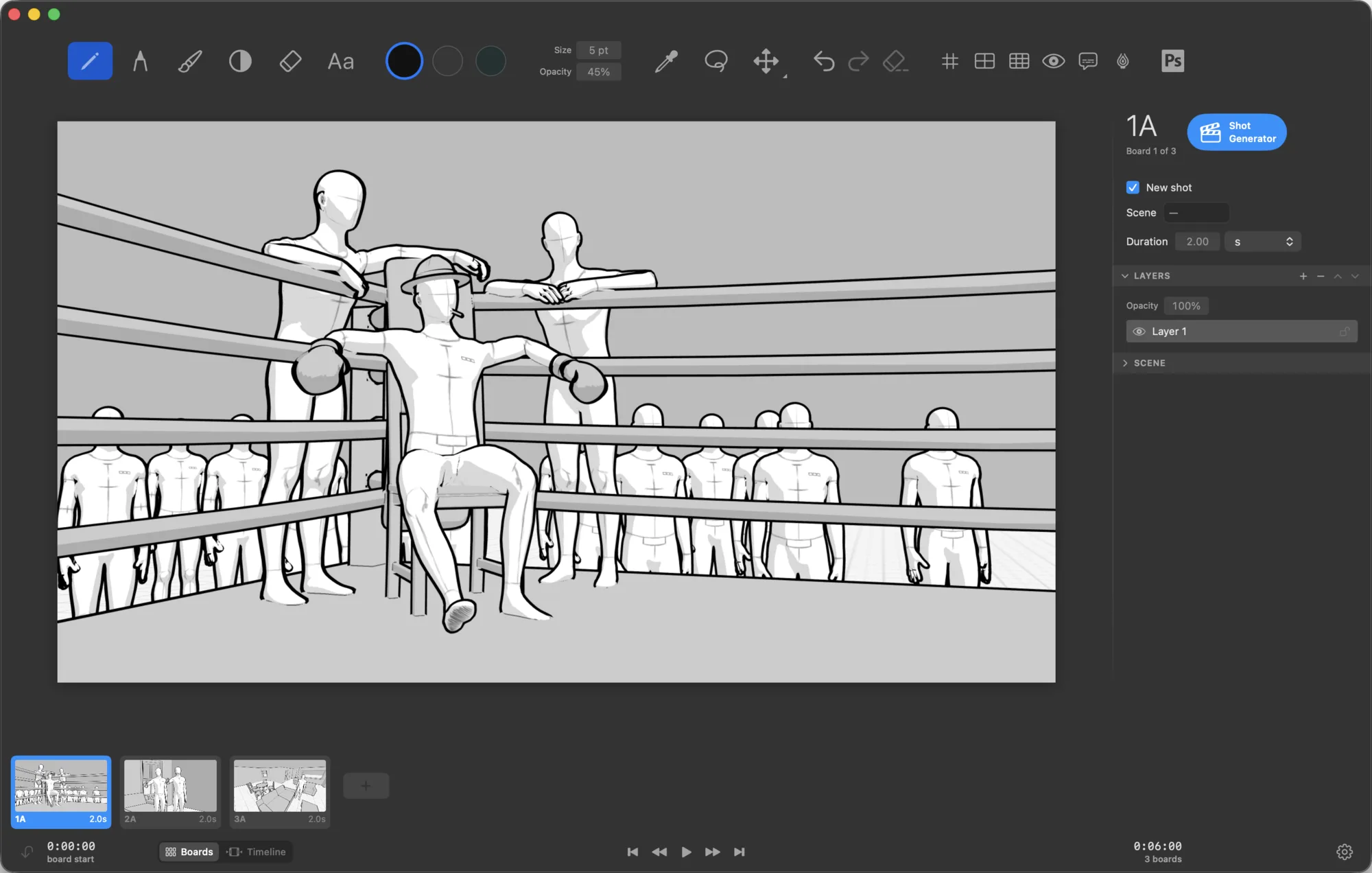
Pencil, marker, brush and pastel for toning the background. Every tool has its own colour, opacity and brush size, and a tablet picks up pen pressure – the line stays as alive as it is on paper.
The tool and layer panels hide in one click, and the canvas takes up the whole window.
Drop the floor plan straight into the build window and trace it with the wall tool. Doors, windows and stairs now go in with a single click.
The whole storyboard in front of you: order, duration, playback from start to finish.
A marker with adjustable width and color. Add a movement arrow or a note for the crew right on the shot.
Furniture, doors, trees, a car, a bicycle – over sixty objects to fill out a shot in a minute.
The top view shows the scene as a plan: where the actors stand, where the camera looks, where the light falls from.
PDF for printing and approvals, images for messaging, an animatic video for screening.
Storyboarder projects open as they are – no need to start from scratch.
You only pay for what a production with a budget would buy. You can make an entire storyboard and hand it over without paying a thing.
No card, and no subscription to remember to cancel. When Pro ends, everything you’ve built still opens, edits and exports.
Not necessarily. You can easily build a shot from the ready-made human figures and 3D objects, and set up the camera. But if you like drawing by hand, the app has everything you need: several tools, full-featured layers, lasso and eyedropper.
StoryB was written from scratch for macOS in Swift and RealityKit – a native app, not a web page in a wrapper (as Storyboarder was). That is where the speed with the scene and the support for system features come from. Storyboarder projects open directly. But that is not the main thing. The main thing is that we have improved and extended almost every aspect of Storyboarder: we took all the best ideas and moved them to the next level.
Right now the app is macOS on Apple Silicon only. An iPad version looks like a good idea – we will see how much demand there is for the current app.
$9.99 a month, or $99.99 once and for good. Those are US prices; elsewhere the App Store shows them in your local currency. Both work with Family Sharing. Everyone gets the first 30 days of Pro free, and the core features stay free for good.
Yes. Everything you make in the app is yours, including shots made in the free version.
Keep up with the updates, ask questions, show your work, suggest improvements and report bugs.
Download the app and go from an empty frame to a finished storyboard. It is free.
macOS 26 and later · Apple Silicon